Flux
Flux Kontext Pro Text to Image
Turn natural language descriptions into images with FLUX Kontext Pro, from illustrations to composed scenes and design concepts.
POST
Flux Kontext Pro Text to Image
Turn natural language descriptions into images with FLUX Kontext Pro, from illustrations to composed scenes and design concepts.Available Models
- blackforestlabs/flux-kontext-pro/text-to-image - Generate images from text prompts.
Output Options
Image Size
size: Optional. Output aspect ratio. Accepted values:1:1,4:3,3:4,16:9,9:16,21:9,9:21. Default:1:1.
Output Format
output_format: Optional. Output image file format. Accepted values:png,jpg.
Key Features
- Generate images from text prompts.
Advanced Parameters
Setmodel and optional callback_url at the request root. Place all workflow parameters, including output options, inside input.
Prompt
prompt: Required. Describe the desired image. Length: 1-2,000 characters.- Include at least one non-whitespace character.
Verified Example
This example was generated through the Vidgo API and is also the default example in the playground. Source and result images are hosted on the Vidgo CDN.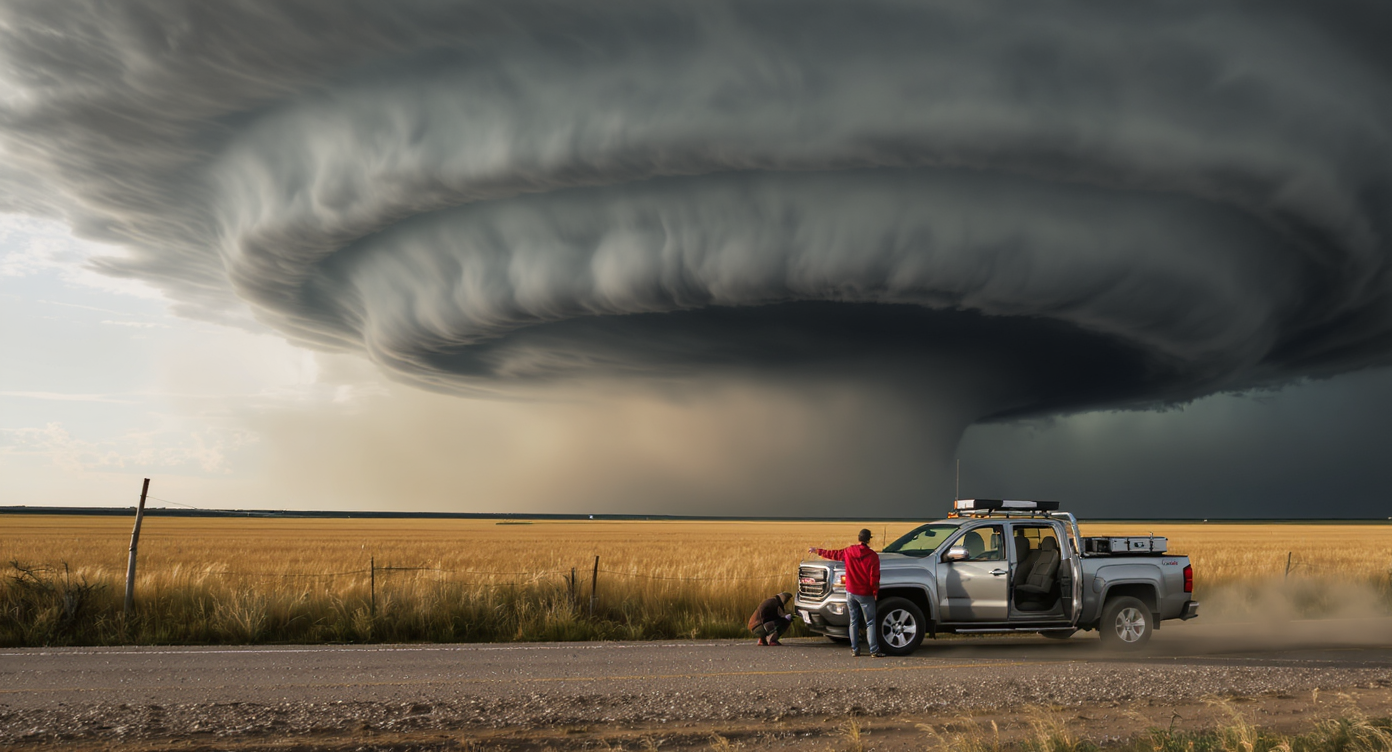
Authorizations
Use VIDGO_API_KEY.
Body
application/json
Set model and optional callback_url at the request root. Place generation parameters inside input.